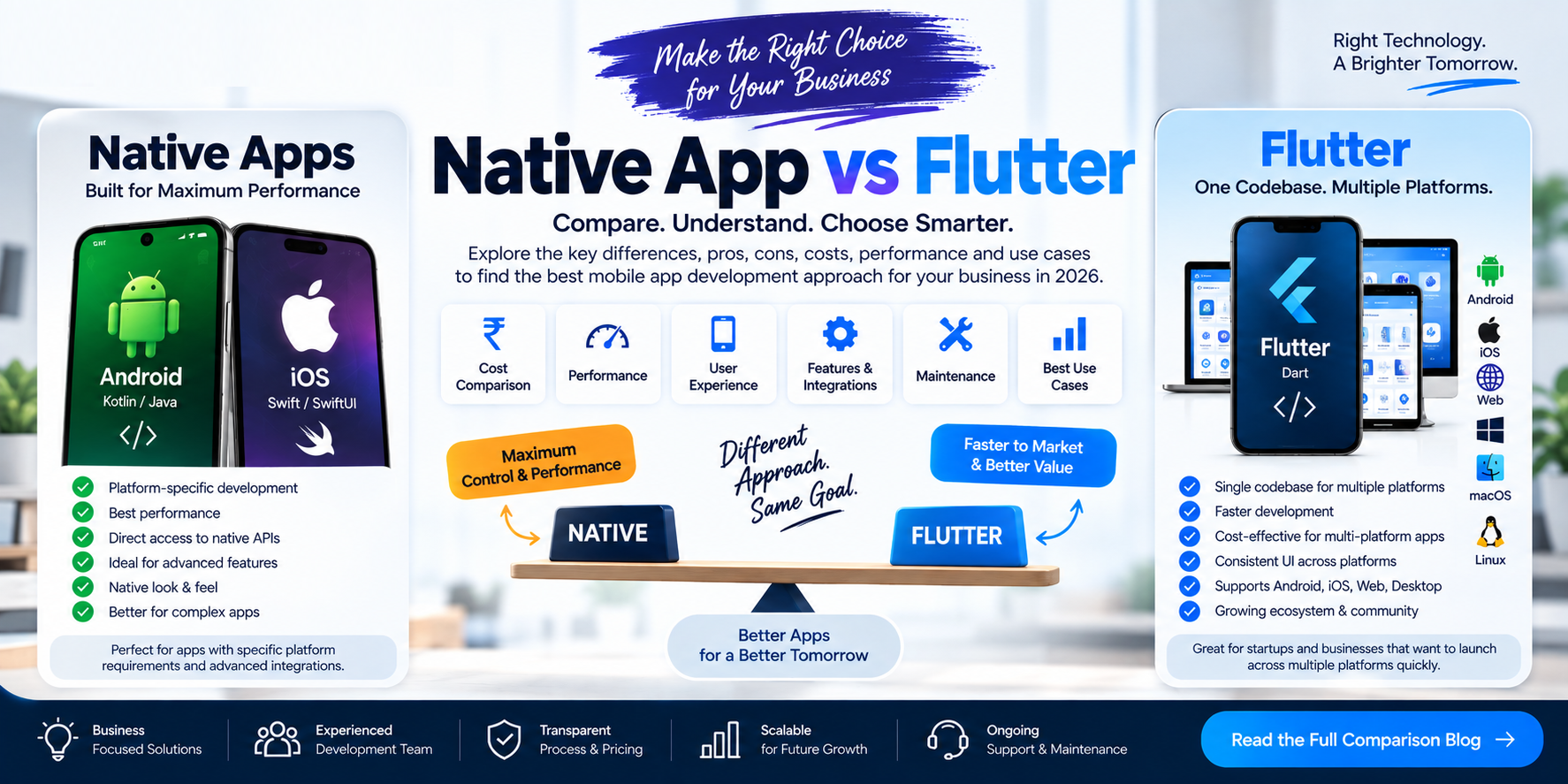
Native App vs Flutter in 2026: Which Is Right for Your Business?
When planning a mobile application, one of the most important technology decisions is whether to build a native application or use a cross-platform framework such as Flutter.
Both approaches can be used to create production mobile applications. However, they differ in their development workflow, code sharing, user interface implementation, platform integration and maintenance requirements.
For a business planning an Android app, an iOS app, or an application for both platforms, understanding these differences can help define the project scope and development strategy.
At Cycode Technologies, we develop custom mobile applications and help businesses plan their technology around their requirements, users and long-term product goals.
In this guide, we explain Native App Development vs Flutter, including the differences in cost considerations, performance, user experience, integrations and project suitability.
1. What Is Native App Development?
Native app development means creating an application specifically for a particular operating system using its platform technologies and development tools.
For example:
Native Android Development
Native Android applications can be developed using technologies such as:
- Kotlin
- Java
- Android SDK
- Android Studio
Native iOS Development
Native iOS applications can be developed using technologies such as:
- Swift
- Objective-C
- SwiftUI
- UIKit
- Apple development tools
Native applications can work directly with platform APIs and features. The exact implementation depends on the operating system, framework and application architecture.
Native development may be suitable when a project requires extensive platform-specific functionality, specialized integrations or a user experience closely tailored to the target operating system.
2. What Is Flutter App Development?
Flutter is an open-source framework for building applications across multiple platforms from a shared codebase. It uses the Dart programming language and provides its own widget system and rendering approach.
Flutter supports application development for platforms including:
- Android
- iOS
- Web
- Windows
- macOS
- Linux
Flutter also supports platform-specific integrations when an application needs functionality from the underlying operating system.
For example, a business might use Flutter to develop an Android and iOS application while sharing much of the application code.
However, a shared codebase does not mean every feature must be identical on every platform. Some functionality may need platform-specific implementation, testing or design adjustments.
3. Native App vs Flutter: Quick Comparison
| Feature | Native Development | Flutter |
|---|---|---|
| Development approach | Platform-specific development | Shared codebase across supported platforms |
| Android technology | Commonly Kotlin or Java | Dart with Flutter |
| iOS technology | Commonly Swift or Objective-C | Dart with Flutter |
| Code sharing | Usually limited between separate native apps | Substantial sharing is possible |
| UI implementation | Platform UI frameworks | Flutter widget and rendering system |
| Platform-specific features | Direct access through native APIs | Plugins or platform-specific code may be used |
| User interface | Can closely follow platform conventions | Can create custom UI and adapt to platform conventions |
| Development workflow | Separate platform workflows may be required | Shared workflow for much of the app |
| Maintenance | Platform code may need separate updates | Shared code can simplify many updates |
| Web and desktop | Separate technologies may be needed | Flutter supports web and desktop targets |
| Best fit | Projects with specific native requirements | Projects that benefit from cross-platform code sharing |
Flutter's documentation describes its multi-platform code-sharing model and platform integration capabilities. React Native is another cross-platform option, but this article focuses on Flutter and native development.
4. Development Cost: Native vs Flutter
Development cost depends on much more than the framework.
Important factors include:
- Number of platforms
- Number of screens
- User roles
- UI/UX requirements
- Backend complexity
- Admin panel
- API integrations
- Payment gateway
- GPS and live tracking
- Chat and notifications
- Security requirements
- Testing
- Maintenance and support
Native App Development Cost Considerations
If a business needs separate Android and iOS applications, the project may require platform-specific implementation and testing for both.
This can mean additional development effort, although the actual difference depends on the product and how much functionality can be shared through backend services or other components.
Flutter App Development Cost Considerations
Flutter can allow developers to share a substantial amount of application code across platforms. This may reduce duplicated implementation work for projects that need Android and iOS versions.
However, Flutter does not automatically make every project cheaper.
Additional work may still be required for:
- Platform-specific integrations
- Different user experience requirements
- Complex animations
- Specialized hardware
- Testing on multiple devices
- Backend development
- App Store and Play Store deployment
The practical takeaway: compare the cost of delivering the complete required product—not simply the cost of writing the first version of its interface.
Read our related article: Mobile App Development Cost in India in 2026 .
5. Performance: Native vs Flutter
Performance should be evaluated against the application's actual workload.
Factors that can influence performance include:
- Rendering and animation
- Network requests
- Database operations
- Image and video processing
- Memory use
- Background tasks
- Device capabilities
- Third-party SDKs
- Application architecture
Native Performance
Native development gives the application access to platform-specific frameworks and APIs. This can be useful for applications with specialized operating-system requirements or complex native integrations.
Flutter Performance
Flutter applications use Flutter's rendering and framework architecture. Flutter documents that its applications can be compiled to native machine code for supported mobile and desktop platforms, while web builds use web compilation approaches.
Performance still depends on how the application is designed and implemented.
For example, a poorly optimized native application can perform badly, just as an inefficient Flutter application can.
For a meaningful comparison, test the actual application on representative devices and workloads.
6. UI/UX: Which Approach Fits Your Design?
The right UI approach depends on the experience the product needs to deliver.
Native UI
Native development can make it easier to use platform UI frameworks and follow operating-system conventions.
This may be relevant for applications that rely heavily on familiar platform interactions or specialized native components.
Flutter UI
Flutter provides a flexible widget system that can be used to create custom-branded interfaces. It also includes Material and Cupertino design resources for building interfaces suited to Android and iOS conventions.
Flutter may be useful when a business wants a consistent visual identity across platforms.
However, the design should still account for differences in navigation, accessibility, screen sizes and platform expectations.
7. Access to Device Features and APIs
Many business applications require access to device capabilities.
Examples include:
- Camera
- GPS
- Maps
- Bluetooth
- Biometrics
- Push notifications
- File storage
- Background tasks
- Payment services
- Device sensors
Native Development
Native applications can use the platform's APIs and SDKs directly.
Flutter Development
Flutter applications can access platform functionality through plugins and platform-specific code. Flutter's documentation explains how developers can integrate platform features and write custom platform code when needed.
Before choosing a framework, verify that the required plugins, SDKs and platform integrations support the project's needs.
This is especially important for applications involving specialized hardware, background processing or third-party SDKs.
8. Maintenance and Future Updates
Maintenance is an important part of the total cost of ownership.
A mobile app may need updates for:
- New features
- Bug fixes
- Operating-system changes
- Security improvements
- API changes
- Device compatibility
- Performance
- Store requirements
Native Maintenance
Separate native implementations may require platform-specific changes and testing.
Flutter Maintenance
When functionality is shared, Flutter may allow a change to be implemented once and reused across platforms. Platform-specific code and testing may still be necessary.
The best maintenance plan depends on the app's architecture, dependencies, team and release process.
9. Which Is Suitable for Different Business Applications?
There is no single framework that fits every application. The following examples show how requirements can guide the decision.
| Application Type | Requirements to Evaluate |
|---|---|
| E-commerce app | Product browsing, checkout, payments, notifications, inventory APIs |
| School management app | Parent, student and teacher roles, attendance, fees, messaging |
| Healthcare app | Patient records, appointments, privacy, security, integrations |
| Transport app | GPS, maps, background location, trip management |
| Restaurant app | Menus, ordering, billing, kitchen workflows, notifications |
| ERP mobile app | Business workflows, role-based access, reporting, API integration |
| SaaS mobile app | Authentication, subscriptions, tenant separation, backend architecture |
| Real estate app | Property search, listings, images, lead management, maps |
| AI-powered app | AI APIs, streaming responses, document processing, data privacy |
Flutter can support many of these application categories, while native development may be appropriate where a project has specific platform requirements. The decision should follow a technical assessment of the required features.
10. Native Android vs Flutter
When developing an Android application, the choice may be between a native Android implementation and Flutter.
Native Android may be considered when:
- The application depends heavily on Android-specific APIs.
- The project requires specialized Android integrations.
- The team has strong Kotlin or Java expertise.
- The application is designed specifically for Android.
Flutter may be considered when:
- The business needs Android and iOS applications.
- Shared code is valuable to the project.
- The UI requires a consistent custom design.
- The product roadmap includes multiple supported platforms.
These are considerations, not absolute rules. The appropriate choice depends on the app's technical and business requirements.
11. Native iOS vs Flutter
For an iPhone or iPad application, a team may consider native iOS development or Flutter.
Native iOS may be considered when:
- The application requires extensive iOS-specific functionality.
- The product needs specialized integration with Apple's frameworks.
- The design depends on platform-specific interactions.
- The development team is focused on native Apple technologies.
Flutter may be considered when:
- Android and iOS versions are both required.
- Shared UI and business logic are valuable.
- The project benefits from a common development workflow.
- The application needs a custom visual design across platforms.
Flutter can integrate with platform-specific functionality, but the required integrations should be assessed before development begins.
12. Flutter vs Native: Questions to Ask Before Choosing
Before selecting a technology, consider these questions:
- Do we need Android, iOS or both?
- Is the application primarily a business workflow app or a highly specialized device app?
- Does the product require extensive native SDK integration?
- How important is code sharing?
- Does the user experience need to follow platform conventions closely?
- Are there existing native applications or codebases?
- Which technologies does the development team support?
- What is the expected maintenance plan?
- Will the product expand to web or desktop?
- What are the security, performance and accessibility requirements?
These questions help turn a broad framework debate into a practical project decision.
13. How Cycode Technologies Approaches App Technology Selection
At Cycode Technologies, the development approach should be selected according to the project scope and required outcome.
Our mobile development services include:
- Android app development
- iOS app development
- Flutter app development
- Cross-platform application development
- E-commerce applications
- ERP and CRM applications
- SaaS applications
- Education and healthcare applications
- Transport and logistics applications
- Real estate applications
- Backend and API development
- Admin panels
- Cloud and third-party integrations
We can assess the required platforms, integrations, user roles, UI/UX, backend and maintenance needs before recommending an implementation approach.
14. Mobile App Development in Hansi, Hisar, Haryana & India
If you are searching for a mobile app development company in Hansi, Hisar or Haryana, Cycode Technologies provides custom mobile application development for businesses and organizations.
We work on applications involving:
- Business operations
- E-commerce
- Education
- Healthcare
- Restaurant management
- Transport and logistics
- Real estate
- ERP and CRM
- SaaS platforms
- AI-enabled workflows
Projects can be scoped for businesses in Hansi, Hisar, across Haryana and throughout India.
Frequently Asked Questions
Is Flutter better than native app development?
Flutter and native development serve different project needs. Flutter supports code sharing across platforms, while native development provides platform-specific implementation. The choice depends on requirements, integrations, user experience and the development team's capabilities.
Is Flutter cheaper than native development?
Flutter may reduce duplicated work when building applications for multiple platforms. However, the total cost depends on the features, integrations, testing, backend and maintenance requirements.
Is Flutter suitable for business applications?
Flutter can be used to build business applications, including applications with custom interfaces and integrations. The project's specific requirements should be reviewed before selecting the framework.
Can Flutter access native device features?
Yes. Flutter supports integration with platform-specific functionality through plugins and platform-specific code.
Can Flutter build both Android and iOS apps?
Yes. Flutter supports Android and iOS development from a shared codebase, although some platform-specific implementation and testing may still be required.
Should I choose native Android or Flutter?
Consider whether you need Android only or multiple platforms, the device features involved, your UI requirements, and your team's expertise.
Should I choose native iOS or Flutter?
Consider the level of iOS-specific integration required, whether an Android version is also needed, and how much code sharing would benefit the project.
Can Flutter applications connect to an existing ERP?
They can connect through APIs when the ERP exposes suitable interfaces and the required authentication and data workflows are supported.
Does Flutter support web and desktop applications?
Flutter supports web and desktop targets, including Windows, macOS and Linux. Suitability should be assessed based on the application's UI, functionality and platform requirements.
How do I estimate my mobile app development cost?
Define the required platforms, features, user roles, backend, integrations, admin panel, security requirements and support needs. These details make the estimate more meaningful than a generic app price.
Conclusion
The Native App vs Flutter decision should be based on the application you want to build—not on a universal claim that one technology is always better.
Native development offers platform-specific implementation, while Flutter provides a cross-platform approach that can share substantial code across supported platforms. Both approaches require sound architecture, testing, security and ongoing maintenance.
For your project, evaluate:
- Required platforms
- Device and operating-system integrations
- UI/UX expectations
- Development and maintenance scope
- Backend and API requirements
- Team experience
- Long-term product roadmap
Cycode Technologies can help businesses plan and develop custom Android, iOS and Flutter applications based on their specific requirements.